Meta Ads Management: How to Run Profitable Ads for Social Media and Your Website
Learn how to plan, launch, and optimize Meta ads across Facebook and Instagram to drive traffic, leads, and sales to your website without wasting your budget.
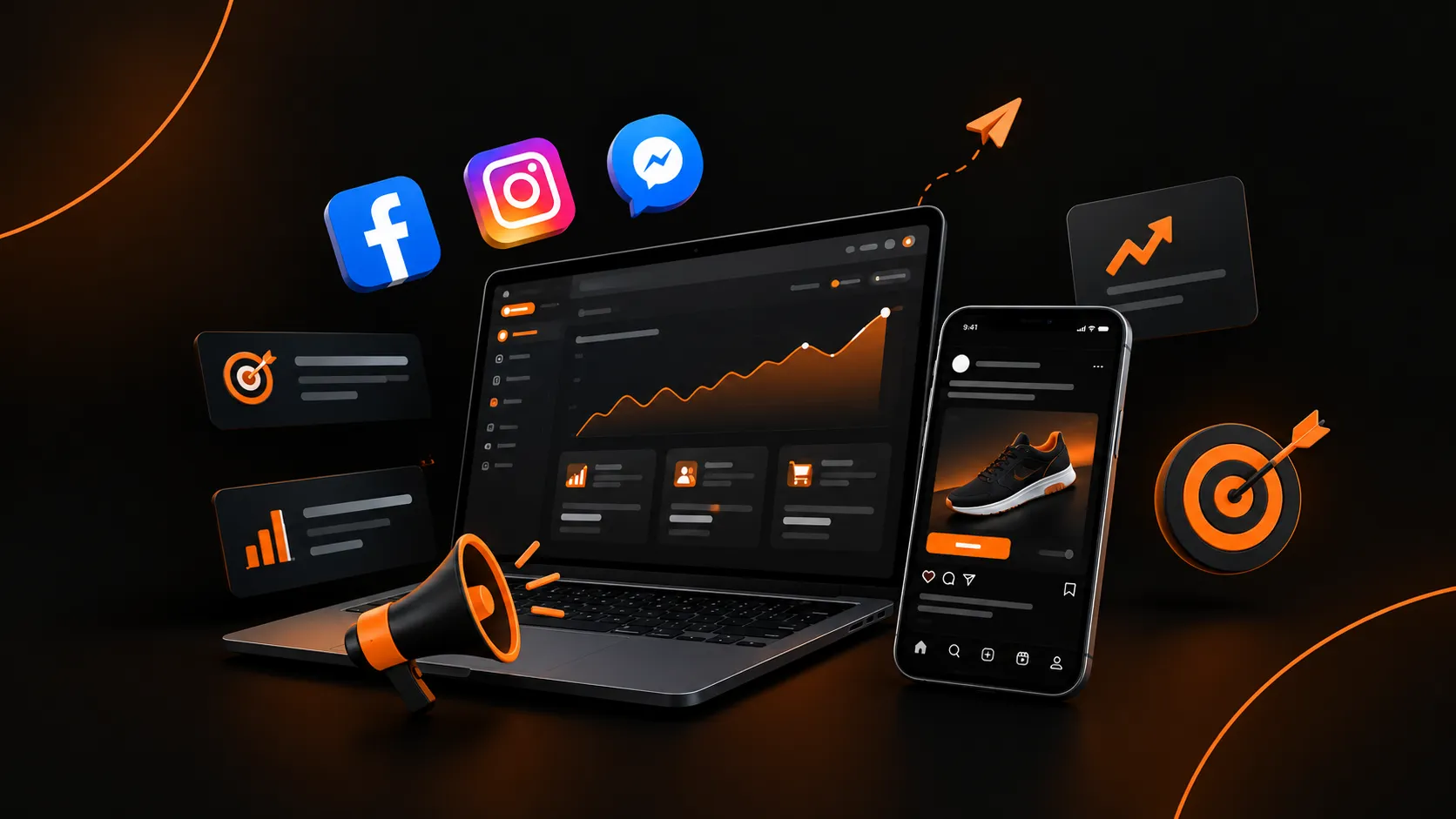
Meta's advertising platform reaches people across Facebook, Instagram, Messenger, and its wider partner network.
For businesses, this means one system can put your message in front of customers while they scroll, chat, and shop.
But running ads and managing ads are different things. Anyone can boost a post. Meta ads management is the ongoing work of defining goals, building campaigns, testing creative, tracking results, and adjusting budgets so every rupee, dollar, or pound earns its place.
This guide covers both sides: Meta ads for social media and Meta ads for your website.
What Is Meta Ads Management?
Meta ads management covers everything involved in planning, running, and improving paid campaigns on Meta's platforms. It typically includes:
- Strategy: Setting goals, choosing objectives, and defining your audience.
- Campaign build: Creating campaigns, ad sets, and ads in Ads Manager.
- Creative production: Designing images, videos, and copy.
- Tracking setup: Installing the Meta Pixel and Conversions API.
- Optimization: Reviewing performance and making data-based changes.
- Reporting: Translating numbers into decisions.
Good management is a cycle, not a one-time setup. You launch, measure, learn, and improve.
How to Set Up Your Meta Advertising?
Create a Meta Business Manager account, then connect your Facebook page, Instagram account, ad account, and payment method.
Install the Meta Pixel and Conversions API on your site and verify your domain before you launch any campaign.
Create a Business Portfolio and Ad Account
Use Meta's business tools to organize your Facebook Page, Instagram account, ad account, and team access in one place.
Connect Your Pages and Accounts
Link your Facebook Page and Instagram professional account so ads can run on both.
Verify Your Domain
If you send traffic to a website, verifying your domain in Meta's business settings helps with ownership, tracking, and event configuration.
Install Tracking
Install the Meta Pixel, a snippet of code that records actions on your website such as page views, add-to-carts, and purchases.
Pair it with the Conversions API, which sends events directly from your server.
How to Use Meta Ads for Social Media?
Pick a goal such as sales or leads, choose your audience, and run image or video ads in Facebook and Instagram placements through Ads Manager.
Common Social Media Goals
- Grow your audience: Promote your Page or profile to attract followers.
- Boost engagement: Get more likes, comments, shares, and video views.
- Generate messages: Start conversations on Messenger, Instagram Direct, or WhatsApp.
- Build brand awareness: Reach as many relevant people as possible with a memorable message.
Best-Fit Formats
- Reels and Stories ads: Full-screen vertical video that feels native to how people browse.
- Image and carousel ads: Good for showcasing multiple products or steps.
- Video ads: Effective for explaining a product or telling a brand story.
- Click-to-message ads: Ideal for service businesses, boutiques, and local sellers.
How to Set Up Meta Ads for Your Website?
Install the Meta Pixel and Conversions API on your website, verify your domain, and set up your key events in Events Manager.
Then create a sales campaign in Ads Manager that sends traffic to your site, with UTM parameters added to the ad URLs.
Core Website Objectives
- Traffic: Send people to a landing page, blog, or product page.
- Leads: Collect contact details through forms.
- Sales: Optimize for purchases, ideal for ecommerce stores.
How the Website Funnel Works
Think of your ads in three stages:
- Top of funnel (cold audiences): People who don't know you yet.
- Middle of funnel (warm audiences): People who engaged with your content or visited your site.
- Bottom of funnel (hot audiences): People who added items to cart or started checkout.
What Are the Landing Page Essentials?
Even the best ad fails if the page disappoints. Make sure your landing page:
- Loads quickly on mobile
- Matches the promise made in the ad
- Has one clear call to action
- Shows trust signals like reviews, guarantees, and contact details
- Makes checkout or form submission simple
How to Create a Creative That Converts?
On Meta, creative is often the biggest performance lever. The algorithm finds audiences, but your creative earns the click.
What Strong Ads Share
- A clear hook: Stop the scroll with a bold visual, a question, or a problem.
- A single message: One idea per ad.
- Proof: Reviews, before-and-after results, or user-generated content.
- A direct call to action: Tell people exactly what to do next.
Creative Testing Framework
- Test one variable at a time, such as the hook, image, headline, or offer.
- Run each test long enough to gather meaningful data before judging it.
- Keep winners running and retire fatigued ads when frequency rises and results drop.
- Refresh creative regularly, because audiences tire of repeated ads.
Budgeting and Bidding
Begin with a budget you're comfortable testing. Once a campaign performs consistently, increase the budget gradually rather than doubling it overnight.
Daily vs. Lifetime Budgets
- Daily budgets give steady spend and are easy to adjust.
- Lifetime budgets spread a set amount across a fixed period, useful for events and sales.
Know Your Numbers
Before advertising, calculate your profit margin and your break-even cost per purchase. Without these, you can't tell whether a result is actually profitable.
Tracking, Reporting, and Optimization
Metrics That Matter
- Reach and impressions: How many people saw your ads.
- CTR (click-through rate): How compelling your ad is.
- CPC and CPM: What you pay per click and per thousand impressions.
- Conversion rate: How many visitors take your desired action.
- CPA (cost per acquisition): What each lead or sale costs.
- ROAS (return on ad spend): Revenue generated per unit of ad spend.
Build a Review Rhythm
Check campaigns daily for errors and spend issues, but avoid making big changes too frequently. Meta's delivery system needs time to learn, so wait for enough data before editing.
Common Mistakes to Avoid
- Boosting posts without a goal. The boost button offers limited control compared with Ads Manager.
- Ignoring tracking. Without accurate data, you're guessing.
- Changing campaigns too often. Constant edits reset learning.
- Sending traffic to a weak landing page. Ads can't fix a poor website.
- Using one creative. Variety protects against fatigue.
- Targeting too narrowly. Overly small audiences raise costs.
- Skipping policy checks. Ad rejections and account restrictions can halt your campaigns.
- Judging results too early. Allow enough time and data before deciding.
Conclusion
Strong Meta ads management comes from treating advertising as a system: a solid foundation, clear objectives, reliable tracking, compelling creative, and steady optimization.
Use Meta ads for social media to build awareness and conversations, and use Meta ads for your website to turn that attention into leads and sales.
Start with one goal, one well-built campaign, and a small test budget. Measure honestly, keep what works, and scale gradually.
Need Help With Marketing?
Let Tabeer Marketing implement these strategies for your brand with a customized growth plan.
Get a Free Strategy Call